
Setting Up My Seeker Device
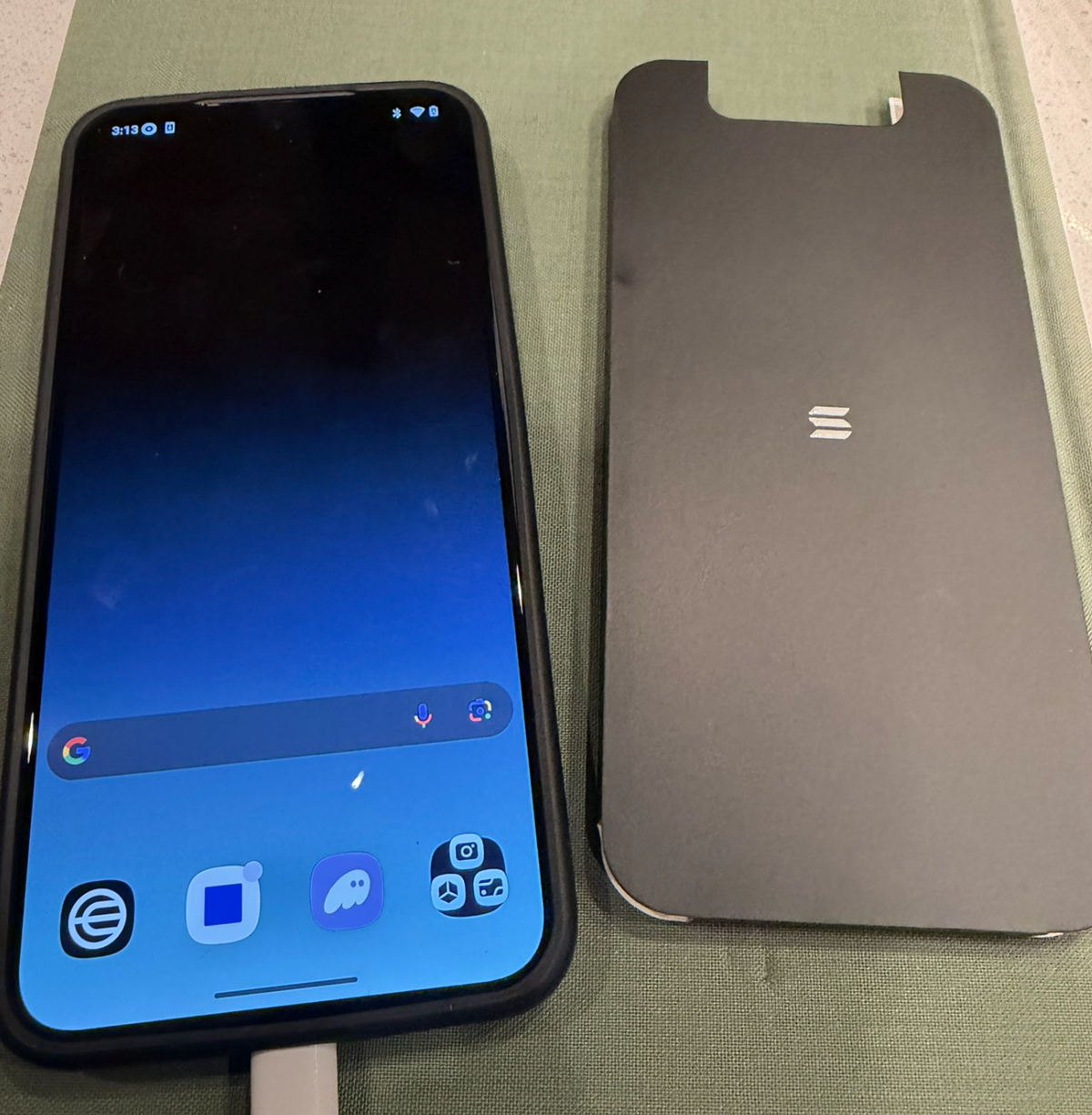
Earlier today, I saw a post from Fred Wilson about his new Seeker Device. I got mine about a month ago and decided it's time to try it out.
I wanted to try something different, so I started with a question...
Could I use this device for digital money AND secure messaging without giving away any personal information, without using a phone number, without giving away anything?
I only want to use a new private key. A private key that can own my money and my secure messages.
Turns out... not only can you do it, but it works pretty dang well.
Here’s how I set it up…
The UX for setting up the Solana Seeker wallet and username was magic. The idea of using crypto with a biometric ID native to the hardware is something I've wanted for a long time. Everything to date has felt so hard to use; this felt so smooth.
I made a Seeker wallet. Then a Seeker identity. Seamless.
I know Phantom Wallet works well with Solana, so I figured I’d see how it worked together.
It was flawless. The connect flow to the biometrics was honestly the best onboarding UX I’ve seen. It was like Phantom was built for the Seeker phone.
Done. Phantom + Seeker worked perfectly together. My only wish was that the device could sign for other networks, not just Solana.
Now for secure chat.
Every major messaging app in the world starts with the same question: What's your phone number?
I want a messenger as secure as Signal that doesn't need to ask for my phone number, or anything for that matter.
I wanted all my XMTP chats on the Seeker device, so I downloaded Base App. Base has both a wallet + an XMTP inbox. It was my first time using Base on Android, and the experience was also really well done. I made a new Base Name w/ a private key and had an XMTP inbox in under 30 seconds.
Message me @ devicenumerouno.base.eth on my new Seeker.
The entire device knows nothing about me. Just newly generated keys that unlock money and secure messaging for me. With a key, not my identity.
The entire experience kinda blew my mind how simple it was. To think I have a new hardware device running solely on private keys that can do 99% of anything I do on a phone related to crypto is insane. With UX that is native and felt magical.
It would be cool if my Seeker ID could route to my Base XMTP inbox so I could use my identity for a lot more than just money. Fred Wilson posted his Seeker address, fredwilson.sdk, it would be really cool if, when he set up the Seeker Device, the Seeker identity not only unlocked a wallet, but also unlocked secure messaging as well.
A device that is private to me, with money and secure messaging built in, would be my primary device. Especially if it's all based on one simple identity. Hopefully this happens soon.
I'm ready for a device that is both private and focused on the few things that matter. My phone today is turning into a social network I don't want and a surveillance device that serves me the perfect ad at the perfect time.
This feels like the start of a new era. New devices, new identities, new messengers, new keys, new foundations, new experiences, a whole new world.
Someone said recently, "Crypto just means technology without a company in the middle of it." And I'm here it. I love seeing these new use cases and experiences that more people will understand.
And it's finally getting simple enough. Finally.
If you wanna message me on my new Seeker Device, shoot me a DM on Base App at @devicenumerouno.base.eth.